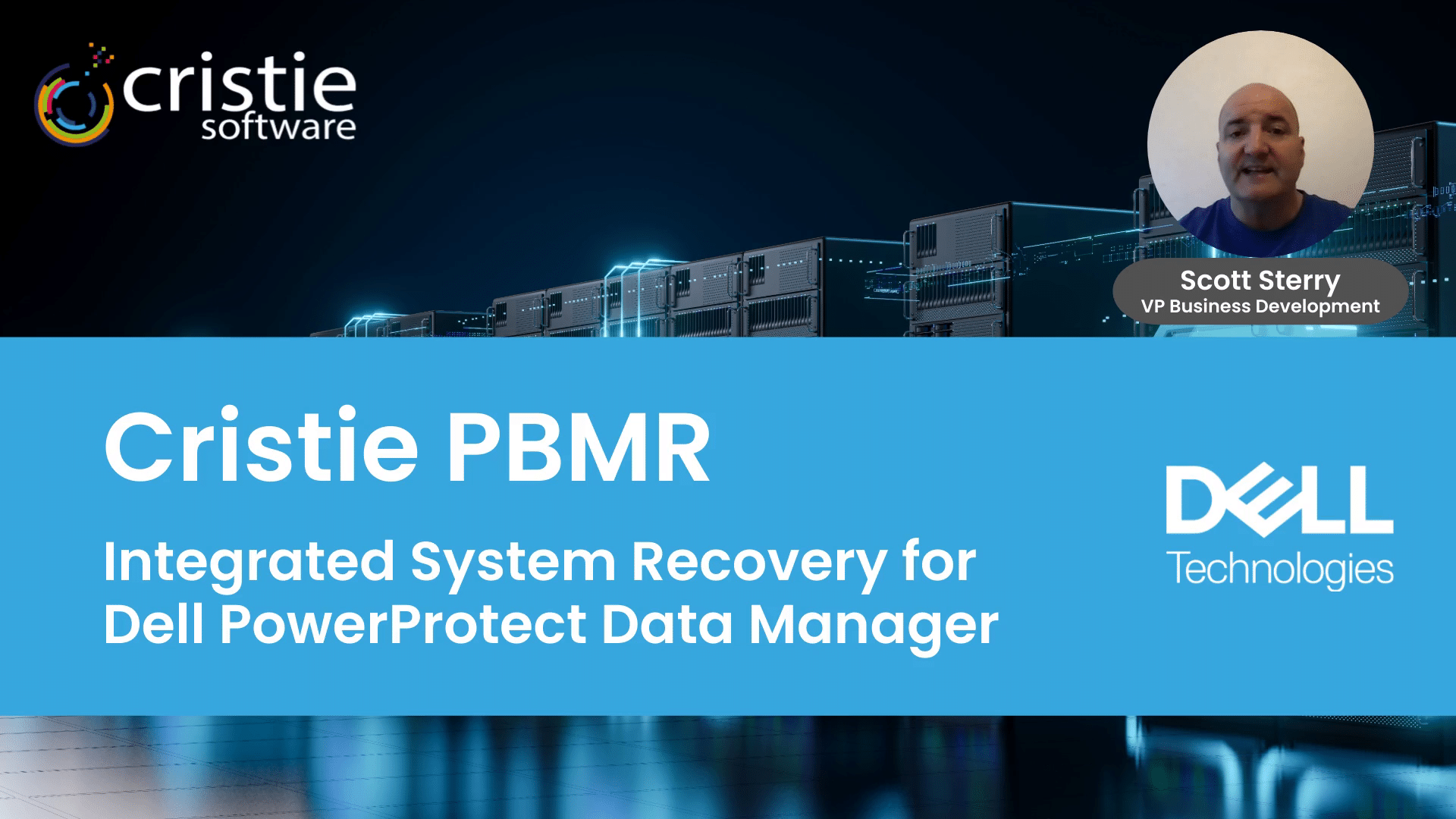
Cristie PBMR

Extending Dell PowerProtect Data Manager software to provide System Recovery to Physical, Virtual or Cloud targets

Cristie PBMR software protects your critical servers by recovering them directly from your PowerProtect Data Manager backups.

/wp-content/uploads/2023/07/dell-technologies-2.png

Overview

Cristie BMR Recovery for PowerProtect Data manager simplifies the automated recovery of multiple systems.

Powerful features remove complexity and manual intervention from your recovery workflow. Recovery simulations can be scheduled to ensure your disaster recovery plan will work when you need it most.

Ready for true enterprise resilience? Start your free Cristie trial.

Features

Key features & benefits for Dell PowerProtect users

PBMR is re-sold globally by Dell Technologies and its channel partners as a recommended recovery solution and is available for both perpetual and subscription-based licensing.

PBMR provides DR automation and orchestration capabilities, plus the ability to recover systems within a sandbox environment to validate recovery processes and verify RTO objectives.

System DR process audits are a core component of many industry compliance directives. Our DR orchestration tools enable the automation of recovery simulation reports to simplify your regulatory compliance procedures.

Adding PBMR to your Dell PowerProtect environment allows recovery of operating systems, applications, user configuration and data to any point in time available in your Data manager backup software. Cristie PBMR Recovery incorporates Advanced Anomaly Detection which applies Machine Learning algorithms to detect malicious file encryption as part of the system recovery workflow, this can provide an early warning of possible ransomware activity.

Recover directly from existing Dell PowerProtect backups without extra infrastructure or management. Systems can recovered at scale with simple bulk entry of server parameters to facilitate large server estate protection. Our automation features for physical machine recovery can eliminate time consuming manual intervention.

PMBR can recover systems from Windows, Linux, VMware, Hyper-V and cloud platforms such as Azure, OCI and Amazon EC2. Solaris and AIX systems can be recovered using the Cristie CBMR standalone system recovery solution. Refer to the PBMR Product Support Matrix for the latest compatibility information.

How PBMR works

Learn more about PBMR.

PBMR is a vital addition to any Dell PowerProtect installation providing all the necessary files to rebuild a system to its identical state preceding any disaster scenario.

When combined with the Dell PowerProtect Cyber Recovery Vault, PMBR provides the highest levels of protection and integrity for a company’s most valuable system configurations.

Introducing Cristie Software PBMR System Recovery for Dell PowerProtect Data Manager

Without this addition, physical system recovery becomes a labour-intensive process as applications and configuration files need to be rebuilt manually.

Adding PBMR allows customers to leverage the resiliency of the Cyber Recovery Vault solution to protect and restore their vital systems, including all necessary configuration information. Systems can be restored directly from the vault to dissimilar hardware, or to alternative virtual or cloud recovery targets.

PBMR - Workflow Sequence

Cristie PBMR System Recovery for Dell PowerProtect Data Manager
VM, Cloud or Physical Server

Prepare Server

Install PBMR Agent
Install PPDM Agent
Create/Copy Binary

Protect Server

Create Protection Policy & Group

Download the Recovery ISO

Download the recovery ISO from Cristie

Boot Recovery ISO

Connect to PPDM Platform

select desired snapshot

Complete Recovery

PBMR Recovery Environment

PBMR requires one license per system it protects and includes 12 month free support & maintenance. Find out more about our pricing here

The Cristie Software Blog

Application-based access control | How to Protect Windows Files and Registry Keys with FSBlocker from Cristie Software

How to Protect Files, Folders, and the Windows Registry with Kernel-Level Access Control

FSBlocker introduces kernel-level application-based file access control designed to protect critical data from ransomware and unauthorized modification. By intercepting file system calls and enforcing configurable policies, it prevents malicious encryption attempts and safeguards backup repositories, helping organizations strengthen cyber resilience and ensure the integrity of their recovery infrastructure.

Read More »
Press release: Cristie Software announces FSBlocker, a kernel-level driver for application-based access control of critical data.

Cristie Software announces FSBlocker application-based file access control.

# ## News: Cristie Software announces FSBlocker, a kernel-level driver for application-based access control of critical data.

Cristie Software has launched FSBlocker, a kernel-level driver providing application-based access control for Windows systems. It prevents unauthorized modification or deletion of critical data, including backup stores. The utility intercepts file system calls to block malicious encryption attempts, offering a robust defense against ransomware.

Read More »
Clean Room Recovery | Continuous Recovery Assurance from Cristie Software

What is Clean Room Recovery in Cybersecurity?

Clean Room recovery provides a secure, isolated environment to safely test and validate system recoveries after a cyberattack. By preventing reinfection from hidden threats like ransomware, it ensures recovery points are clean and reliable—making it an essential part of modern cybersecurity and business continuity strategies.

Read More »

Contact the Cristie Software team for more information

Whatever your replication and data recovery needs, we are here to help.

/wp-content/uploads/2022/09/thub-logo1.png

Contact Us

/wp-content/uploads/2022/09/thub-logo1.png

Thank you for contacting us. We have received your request.