



CloneManager®:
Seamless System Migration​ Software

Simplifying system migration for service providers & integrators

Offer System Migration as-a-Service for your customers with CloneManager System Migration.

Overview

CloneManager System Migration simplifies cloud onboarding and all migration tasks for service providers & integrators

Cristie’s CloneManager® ensures efficient and cost-effective migrations across virtual, physical, and cloud environments, with pre-cutover testing, broad platform support, flexible performance, and simplified processes for Managed Service Providers.

Ready for true enterprise resilience? Start your free Cristie trial.

Features

Key features

System migration images can continue to receive periodic synchronizations prior to the point of cutover. Licensing is based on successful migrations and linked to the system IP/MAC addresses, this means that multiple migrations can be performed between the source and target system during the license period.
Following the initial migration, the Cristie Virtual Appliance (VA) provides the ability to start a test Virtual Machine Instance allowing the user to verify the system clone without interrupting the original migration image.
CloneManager® can manage system migration in any direction between physical, virtual and cloud targets. It is vital for MSPs to be able to offer cloud-to-cloud migration services for their customers without unnecessary complexity. Native compatibility is provided for Azure, Oracle Cloud Infrastructure and S3 based public cloud services including support for on premises based S3 implementations.

Benefits of CloneManager System Migration

  • Ensure migrations are functional before cutover​

    Migrations can be tested using a Virtual Machine Instance ahead of cutover, without interrupting periodic synchronization​

  • Fast performance and disk sizing flexibility​

    With support for both file and block based migration, CloneManager provides flexibility for target system disk sizing and replication performance​

  • Migrate directly to Virtual Disk Image Files​

    Clone directly to a target disk image file instead of a running virtual or physical machine, saving you the time and cost of maintaining a running target system​

  • Licensed per successful migration​

    Migrations are matched based on IP/MAC address combinations and can be rerun multiple times within the license period​

  • Broad platform support​

    Support for all major Cloud and Virtual compute platforms such as Amazon Web Services S3, Azure, Oracle Cloud Infrastructure & migration direct to VMware Datastores​

How CloneManager Migration works

Learn more about CloneManager System Migration.

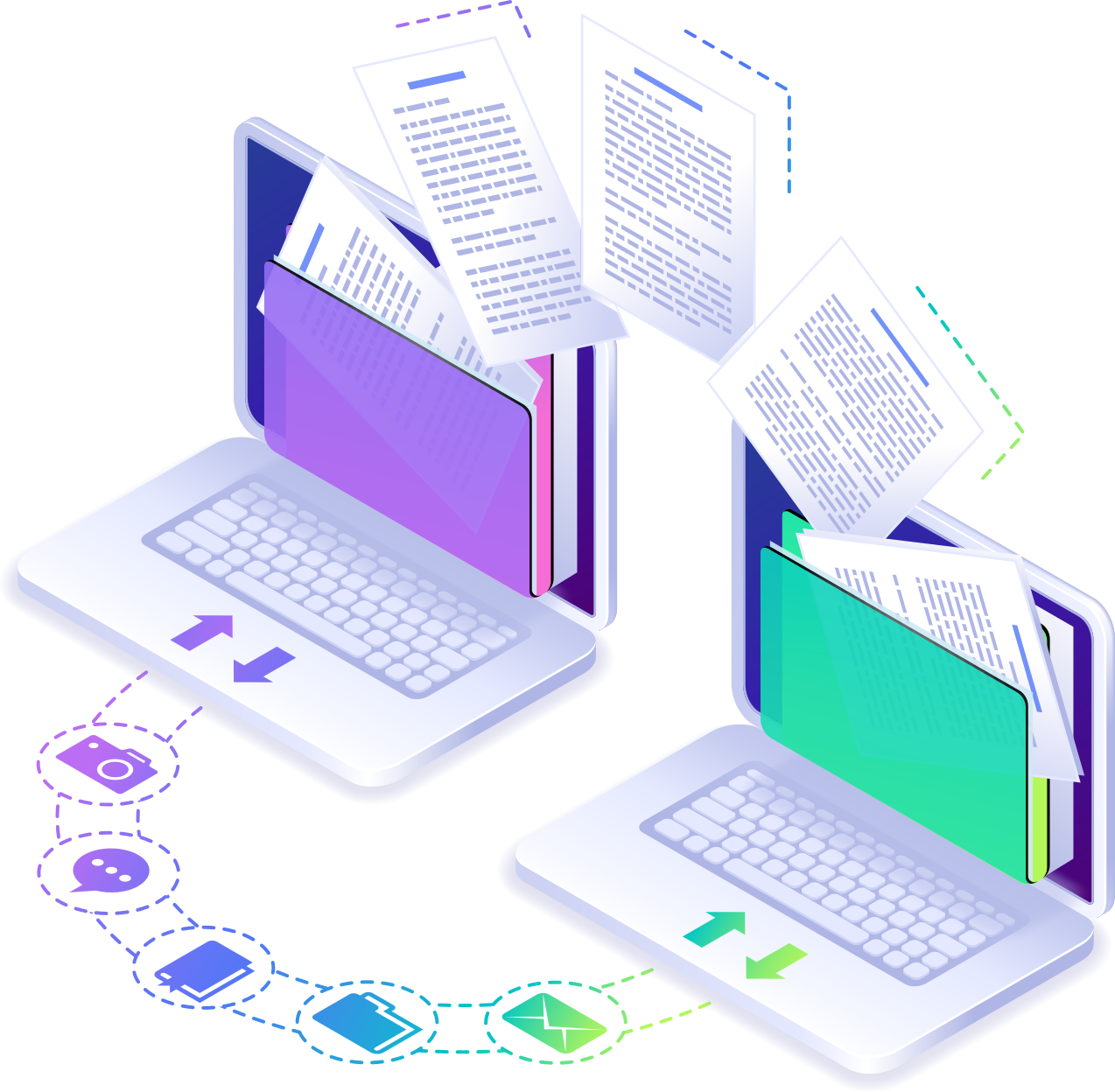
Cristie’s CloneManager® Replication Software ensures efficient migrations for virtual, physical, and cloud environments. Test migrations with a Virtual Machine Instance before cutover without interrupting syncs. Migrate directly to disk image files to save time and costs, with support for AWS S3, Azure, Oracle Cloud, and VMware Datastores. 

https://www.cristie.com/wp-content/uploads/2024/06/clonemanager.png

CloneManager® offers flexible performance with file and block-based migration, and cost-effective licensing per successful migration. Ideal for MSPs, it simplifies migrations between any targets, with periodic syncs to keep data updated. Post-migration, verify system clones in a sandbox environment.

Optimize your migration strategy with Cristie’s CloneManager® for a smooth, reliable transition.

Key Feature Video Walkthoughs

Video walkthroughs

Multi-tenant support provided within the Cristie Virtual Appliance (VA)

Multi tenancy support is provided within the VA to ensure that departments or company divisions can have a dedicated secure replication environment that is ringfenced if required. In the case of S3 storage each client can also be provided with unique Access and Secret keys to their individual S3 object storage locations.
https://www.cristie.com/wp-content/uploads/2024/06/clonemanager_multi_tenenacy.png

CloneManager Migration requires one license per system it protects and includes 12 month free support & maintenance. Find out more about our pricing here

The Cristie Software Blog

Clean Room Recovery | Continuous Recovery Assurance from Cristie Software

What is Clean Room Recovery in Cybersecurity?

Clean Room recovery provides a secure, isolated environment to safely test and validate system recoveries after a cyberattack. By preventing reinfection from hidden threats like ransomware, it ensures recovery points are clean and reliable—making it an essential part of modern cybersecurity and business continuity strategies.

Read More »
Cristie Software introduces System Recovery PBMR for Dell Technologies PowerProtect Data Manager

Cristie Software introduces System Recovery PBMR for Dell Technologies PowerProtect Data Manager

Cristie Software introduces System Recovery PBMR for Dell Technologies PowerProtect Data Manager Cristie Software announces general availability of System Recovery PBMR providing automated system recovery and verification for Dell Technologies PowerProtect Data Manager. London, UK, 15 September 2025 – Cristie Software, a leader in system recovery, replication, and migration technologies, today announced general availability of Cristie System Recovery PBMR for Dell Technologies PowerProtect Data Manager. This new integration extends PowerProtect Data Manager environments with full system recovery capabilities, enabling bare machine recovery (BMR) to physical, virtual, or cloud-based targets. PBMR also features powerful automated recovery tools, including Continuous Recovery Assurance—which automatically performs a full system recovery within a clean room environment whenever a new backup is detected on a protected system. PBMR enhances Cristie’s system recovery portfolio, joining existing solutions for Dell Technologies Avamar and Networker platforms. “For over a decade, we’ve empowered Dell Technologies backup software users with robust system recovery capabilities. We’re proud to continue advancing our solutions to ensure Dell customers benefit from seamless, modern recovery tools fully compatible with the latest backup technologies.,” said Scott Sterry, VP Business Development at Cristie Software. “In today’s evolving cybersecurity landscape, it’s critical for businesses to implement a robust system recovery infrastructure built specifically for cyber resilience. Our Continuous Recovery Assurance reflects Cristie Software’s commitment to strengthening resilience through ongoing innovation—most notably with features like Advanced Anomaly Detection, which offers early warning of suspicious file encryption and potential malware activity.” Cristie Software PBMR adds full system recovery capabilities without the need for any additional backup job administration within Dell Technologies PowerProtect Data Manager. Dell Technologies customers can purchase PBMR licenses from Cristie Software or through the global Dell Technologies partner network. About Cristie Software Cristie Software, established in 2008, supports over 3,000 users across more than 70 countries with advanced system recovery and replication solutions. We serve many of the world’s leading organisations in healthcare, retail, manufacturing, the public sector, and financial services, and we are trusted by a third of the Global Fortune 500. Working through a global network of partners and resellers, we deliver effective, best-in-class solutions that ensure operational continuity and resilience. Our technologies are recommended worldwide by strategic partners including Cohesity, Rubrik, Dell, and IBM—enabling their customers with secure, automated system recovery and recovery orchestration. Cristie Software holds patented technologies focused on automation and machine learning for recovery and replication processes, with several additional innovations currently under patent review. In addition to developing proprietary software, Cristie expands its portfolio through strategic acquisitions, including the license and development rights to SysBack from IBM and the acquisition of Storix Inc.. Learn more at www.cristie.com

Read More »

Contact the Cristie Software team for more information

Whatever your replication and data recovery needs, we are here to help.

https://www.cristie.com/wp-content/uploads/2022/09/thub-logo1.png

Contact Us

https://www.cristie.com/wp-content/uploads/2022/09/thub-logo1.png

Thank you for contacting us. We have received your request.

https://www.cristie.com/wp-content/uploads/2019/06/gdpr_130px.png
Privacy Overview

This website uses cookies so that we can provide you with the best user experience possible. Cookie information is stored in your browser and performs functions such as recognising you when you return to our website and helping our team to understand which sections of the website you find most interesting and useful.